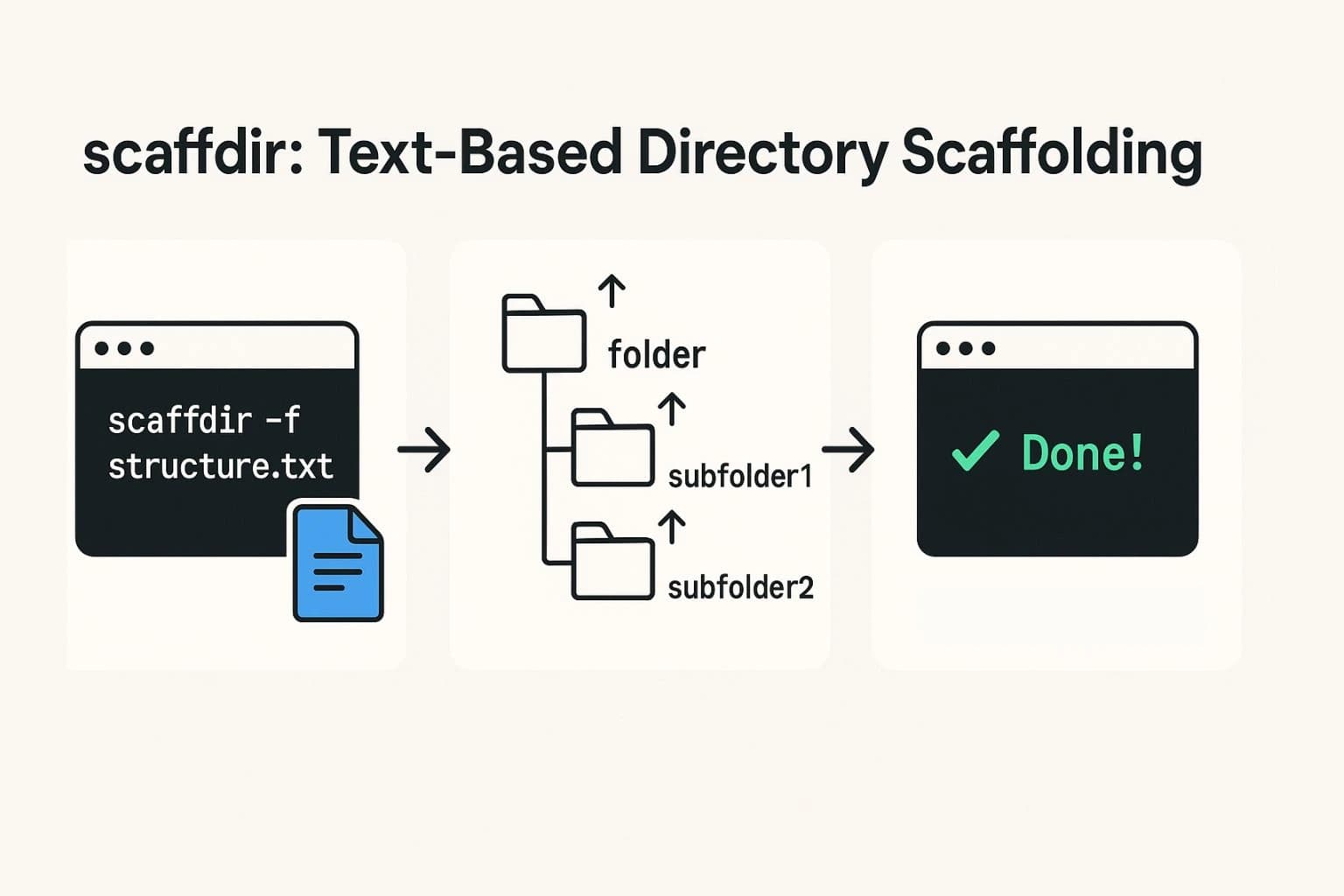
Automate your project bootstrap in seconds with a simple, text-based CLI. In this post, we’ll explore scaffdir—a Node.js tool you can install via npm—that reads an indented
.txtfile and creates an entire directory and file structure in one go. We’ll cover installation, example usage, delve into the code that powers it, and conclude with tips on publishing and future enhancements.
Introduction & Motivation
Manually crafting folder hierarchies and boilerplate files for every new project can be tedious—and prone to typos or forgotten steps. That inspired me to build scaffdir, a lightweight CLI that:
- Reads a simple indented text file (folders end with
/, files don’t). - Parses nesting levels based on indentation.
- Recursively creates the matching directories and empty files—or simulates it, with
--dry-run.
By publishing it on npm, I not only streamlined my own workflow but also gained hands-on experience in CLI design, TypeScript modules, async file operations, and managing an open-source package.
Features & Quick Start
✨ Key Features
- Indentation-based tree parsing
- Asynchronous creation via
fs/promises - Dry-run simulation to preview changes
- Rich terminal feedback with emojis & colors powered by Chalk
🚀 Installation
npm install -g scaffdir📄 Define Your Structure
Create a file, e.g. structure.txt:
src/
  components/
    Header.js
    Footer.js
  utils/
    index.js
README.md🏃♂️ Run It!
# Preview without writing
scaffdir -f structure.txt --dry-run

# Actually create the files
scaffdir -f structure.txt -o ./my-app
Under the Hood: Code Walkthrough
Below are the core excerpts from index.ts (or .js), annotated to show how scaffdir works.
1. CLI Setup with Commander
#!/usr/bin/env node
import { Command } from "commander";

const program = new Command();
program
  .name("scaffdir")
  .description("📁 Generate folders and files from a text-based file tree")
  .version("0.1.0")
  .option("-f, --file <file>", "📄 Read structure from a text file")
  .option("-o, --output <dir>", "📂 Output directory (default: current directory)")
  .option("-d, --dry-run", "🧪 Simulate creation without writing to disk")
program.parse();
const options = program.opts();- Commander automatically generates
--help, handles aliases, and parses flags intooptions.
2. Reading & Parsing the Tree File
import { readFileSync } from "fs";

// … after checking options.file …
const fileContent = readFileSync(options.file, "utf-8");
const lines = fileContent.split("\n");

// Determine indent size (e.g. 2 spaces)
let indentSize = 2;
for (const line of lines) {
  const trimmed = line.trim();
  if (trimmed) {
    const spaces = line.search(/\S/);
    if (spaces > 0) { indentSize = spaces; break; }
  }
}- We scan the first non-blank line to infer how many spaces equal one level of nesting.
3. Building a Tree Structure
type TreeItem = { name: string; type: "folder"|"file"; children: TreeItem[] };
const tree: TreeItem[] = [];
const currentPath: TreeItem[] = [];

for (const line of lines) {
  const trimmed = line.trim();
  if (!trimmed) continue;
  const indent = line.search(/\S/);
  const depth = Math.floor(indent / indentSize);
  const isFolder = trimmed.endsWith("/");
  const item: TreeItem = {
    name: isFolder ? trimmed.slice(0, -1) : trimmed,
    type: isFolder ? "folder" : "file",
    children: []
  };

  if (depth === 0) {
    tree.push(item);
    currentPath[0] = item;
  } else {
    const parent = currentPath[depth - 1];
    parent.children.push(item);
    currentPath[depth] = item;
  }
}- We maintain a
currentPatharray indexed by depth, so each new node knows its parent.
4. Recursively Creating Folders & Files
import { mkdir, writeFile } from "fs/promises";
import path from "path";
import chalk from "chalk";

async function createStructure(items: TreeItem[], base: string) {
  for (const item of items) {
    const target = path.join(base, item.name);

    if (item.type === "folder") {
      if (options.dryRun) {
        console.log(chalk.gray(`🗂️ Would create folder: ${target}`));
      } else {
        await mkdir(target, { recursive: true });
        console.log(chalk.green(`📁 Created folder: ${target}`));
      }
      await createStructure(item.children, target);
    } else {
      if (options.dryRun) {
        console.log(chalk.gray(`📄 Would create file: ${target}`));
      } else {
        await writeFile(target, "");
        console.log(chalk.green(`📝 Created file: ${target}`));
      }
    }
  }
}

// Invoke it
;(async () => {
  await createStructure(tree, options.output || process.cwd());
  console.log(
    chalk.bgGreen.black("✅ Done!"),
    options.dryRun
      ? chalk.gray(" (Dry run: no changes were made.)")
      : chalk.white(" File structure successfully created.")
  );
})();- Dry-run logic is simply a console log instead of calling
mkdir/writeFile. - Recursion handles any depth of nesting seamlessly.
Lessons Learned & Next Steps
- Mixed spacing: Dealt with tabs vs. spaces by normalizing indent detection.
- Performance: Async calls in series can be slow for thousands of files—could batch or use a queue.
- UX polish: Added emojis and colors after initial user feedback; made error messages clearer.
Future Enhancements
- Support JSON/YAML as input schema.
- Allow templating file contents (e.g. with EJS).
- Add a
--concurrencyflag for parallel creation.