🧠 Traditional Data Fetching in Next.js: The Status Quo
In the realm of Next.js, data fetching has traditionally been handled using methods like getServerSideProps and getStaticProps. These functions allow for server-side data retrieval, which is then passed as props to components. While this approach is straightforward, it comes with certain limitations:
- Boilerplate Code: Repetitive patterns emerge, especially when fetching data for multiple pages.
- Limited Client-Side Interactivity: Once the data is fetched and rendered, any client-side updates require additional handling.
- Caching Challenges: Implementing efficient caching mechanisms is non-trivial and often leads to redundant data fetching.
⚙️ React Query: A Paradigm Shift
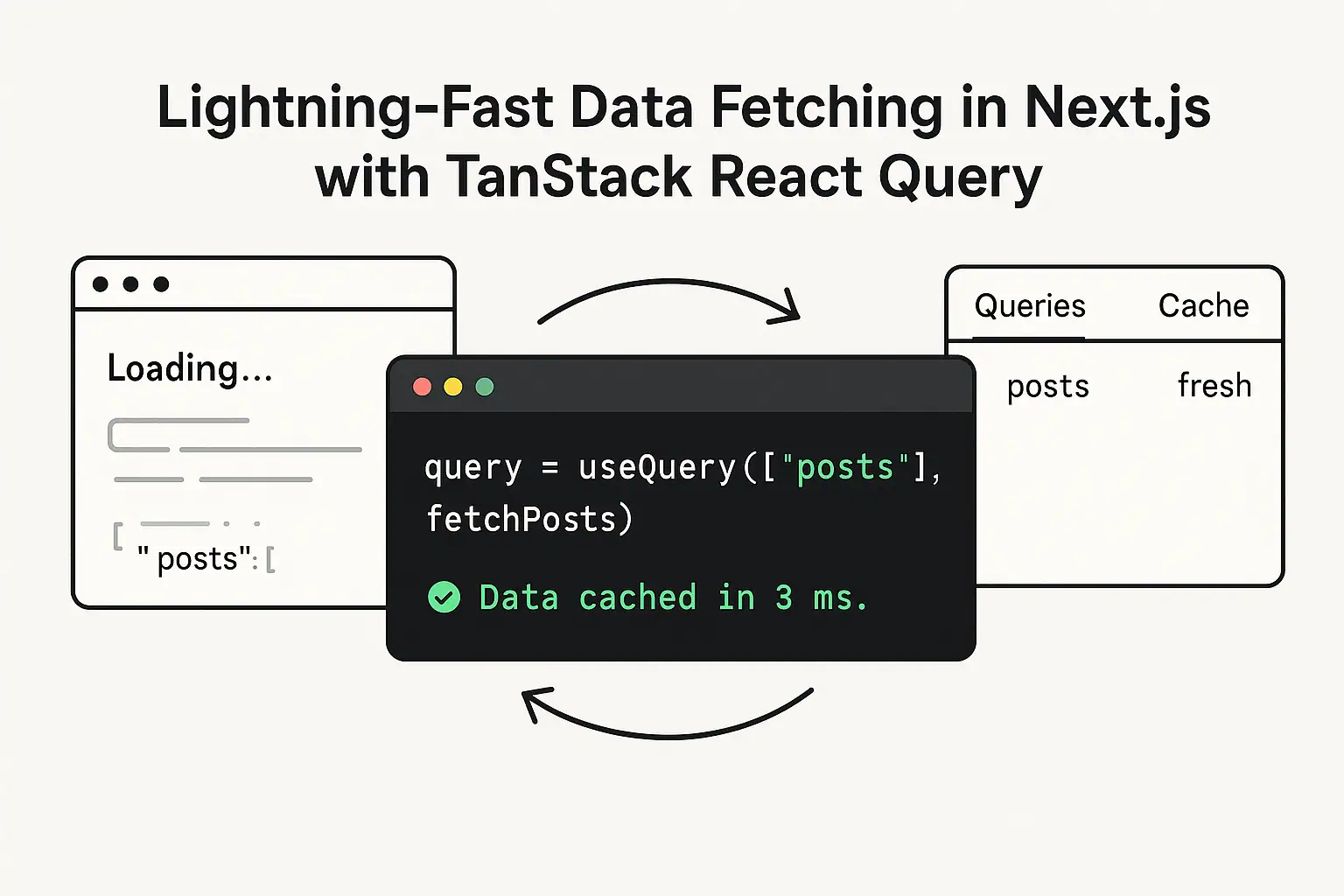
React Query introduces a new paradigm for data fetching in React applications. It abstracts the complexities of data management, offering features like caching, background synchronization, and simplified state management. When integrated with Next.js, especially with the App Router and server components, React Query provides several advantages:
- Automatic Caching: Reduces unnecessary network requests by caching data by default.
- Background Data Synchronization: Keeps your UI in sync with the latest data by refetching in the background.
- Simplified Codebase: By abstracting data fetching logic, components become cleaner and more focused on rendering.
🔄 Implementing React Query with Next.js
Let's walk through integrating React Query into a Next.js application:
1. Install React Query
First, install the necessary packages:
npm install @tanstack/react-query2. Set Up the Query Client
Create a QueryClient instance and wrap your application with the QueryClientProvider:
// app/providers.tsx
'use client';

import { QueryClient, QueryClientProvider } from '@tanstack/react-query';
import { ReactNode, useState } from 'react';

export function Providers({ children }: { children: ReactNode }) {
  const [queryClient] = useState(() => new QueryClient());

  return (
    <QueryClientProvider client={queryClient}>
      {children}
    </QueryClientProvider>
  );
}
Then, wrap your application in the Providers component:
// app/layout.tsx
import { Providers } from './providers';

export default function RootLayout({ children }: { children: React.ReactNode }) {
  return (
    <html lang="en">
      <body>
        <Providers>{children}</Providers>
      </body>
    </html>
  );
}
3. Prefetch Data on the Server
In your server component or data fetching function, create a QueryClient instance and prefetch the necessary data:
import { QueryClient, dehydrate } from '@tanstack/react-query';

const queryClient = new QueryClient();

await queryClient.prefetchQuery(['projects'], fetchProjects);
4. Dehydrate and Hydrate the State
After prefetching, dehydrate the state and pass it to your client component:
import { HydrationBoundary } from '@tanstack/react-query';

return (
  <HydrationBoundary state={dehydrate(queryClient)}>
    <ProjectsComponent />
  </HydrationBoundary>
);
5. Use useQuery in Client Components
Within your client component, use the useQuery hook as usual:
'use client';

import { useQuery } from '@tanstack/react-query';

function ProjectsComponent() {
  const { data, isLoading, error } = useQuery({
    queryKey: ['projects'],
    queryFn: fetchProjects,
  });

  if (isLoading) return <div>Loading...</div>;
  if (error) return <div>Error loading projects</div>;

  return (
    <ul>
      {data.map((project) => (
        <li key={project.id}>{project.name}</li>
      ))}
    </ul>
  );
}
🚀 Benefits of This Approach
- Improved Performance: By prefetching data on the server and hydrating it on the client, you reduce redundant network requests, leading to faster page loads.
- Enhanced SEO: Server-side rendering ensures that search engines can index your content effectively.
- Better User Experience: Hydration provides immediate content to users, improving the overall user experience.
- Simplified State Management: React Query's built-in caching and background synchronization capabilities reduce the need for manual state management.
🧩 Conclusion
Integrating React Query with Next.js transforms your data fetching strategy, offering a more efficient, scalable, and maintainable approach. By leveraging server-side rendering and hydration, you ensure optimal performance and a seamless user experience.
For a visual guide, you might find this video helpful: